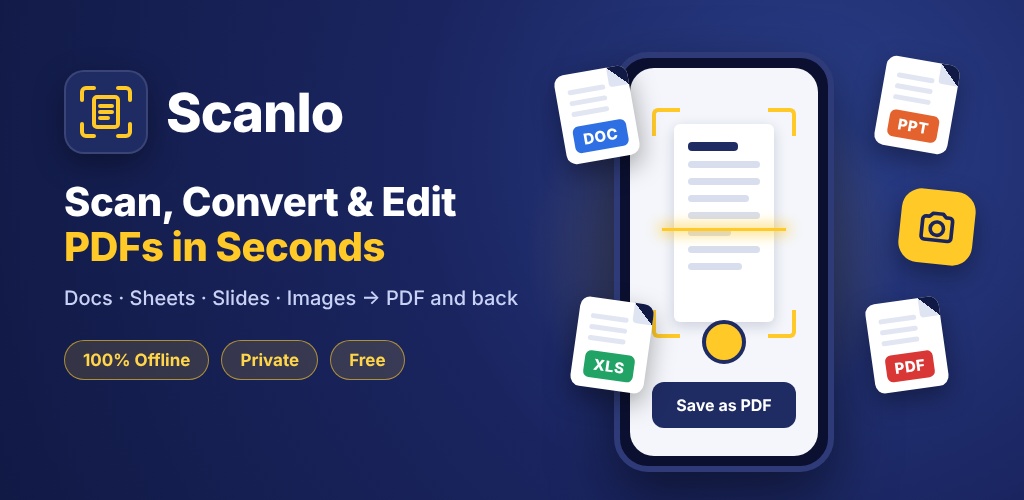
What you can do with Scanlo
Document scanner
Auto edge detection, crop, straighten and clean filters for sharp multi-page scans.
Office to PDF
Convert Word, Excel, PowerPoint and images to PDF – and PDF back to Word, Excel, PowerPoint or JPG.
Edit & organise
Merge, split, rotate, reorder pages, add text, signatures and watermarks, fill forms.
Compress & protect
Shrink PDF size, add or remove passwords, redact sensitive information.
On-device OCR
Extract text from scanned pages and photos without sending anything online.
Private by design
Your files never leave your device. Works even without an internet connection.
Free PDF guides
Compress PDF to 100KB or 200KB on Android
Reduce PDF size to under 100KB, 200KB or 500KB on your Android phone for college, job and government online forms – free and offline with Scanlo.
Scan documents to PDF with your phone
Scan documents, notes, receipts and ID cards to a clear PDF using only your Android phone camera – free and offline with Scanlo.
Convert Word, Excel and PowerPoint to PDF on your phone
Convert DOC, DOCX, XLS, XLSX, PPT and PPTX files to PDF on your Android phone for free, without internet, using Scanlo.
Merge multiple PDFs into one on Android
Combine multiple PDF files or scanned pages into one PDF on your Android phone, free and offline, with Scanlo.
Frequently asked questions
- Is Scanlo free?
- Yes. Scanlo is free to download on Google Play and is supported by ads.
- Does Scanlo upload my documents?
- No. All scanning and conversion happens on your phone.
- Where can I download Scanlo?
- On the Google Play Store – search “Scanlo PDF Scanner”.